













TQ
  • Entertainment
    • All
    • Gaming
    • Movie
    • Music
    • Sports Entertainment
    Tame Impala’s 2026 North American Tour: Dates, Cities, and What to Expect

    Tame Impala’s 2026 North American Tour: Dates, Cities, and What to Expect

    What the U.S. Is Watching on Netflix Right Now | And How It Differs Globally

    What the U.S. Is Watching on Netflix Right Now | And How It Differs Globally

    5 Darkest Rock Albums Ever Made

    5 Darkest Rock Albums Ever Made

    5 Famous Singers Who Were Caught Lip-Syncing on the Stage

    5 Famous Singers Who Were Caught Lip-Syncing on the Stage

    All the Records Taylor Swift Has Broken

    Top 5 Most-Streamed Taylor Swift Songs on Spotify

    The 5 Most Popular TikTok Accounts, Ranked

    The 5 Most Popular TikTok Accounts, Ranked

    Top 10 Netflix Original Series You Must Watch

    Top 10 Netflix Original Series You Must Watch

    Top 5 Most-Streamed Songs by Billie Eilish on Spotify

    Top 5 Most-Streamed Songs by Billie Eilish on Spotify

    Top 5 streamed The Weeknd songs

    Top 5 streamed The Weeknd songs

  • Lifestyle
    • All
    • Fashion
    • Food
    • Travel
    Top 5 Smart Products to Help You Stay Healthy in 2025

    Top 5 Smart Products to Help You Stay Healthy in 2025

    The Top 5 Safari Lodges in Africa Worth Visiting in 2025

    The Top 5 Safari Lodges in Africa Worth Visiting in 2025

    From bad to worse: The top 5 worst car names of all time

    From bad to worse: The top 5 worst car names of all time

    The Top 5 Hotels in Chicago in 2025

    The Top 5 Hotels in Chicago in 2025

    What Is Cognac? A Beginner’s Guide to the French Specialty

    What Is Cognac? A Beginner’s Guide to the French Specialty

    These Are the Best Ways to Reheat Pizza

    These Are the Best Ways to Reheat Pizza

    What Is Champagne? A Guide to the Basics

    What Is Champagne? A Guide to the Basics

    Romantic cities

    The 5 Most Romantic Cities in the World

    The 5 Best Resorts in Italy in 2024

    The 5 Best Resorts in Italy in 2024

    These Are the Most Popular Places to Travel in 2024

    These Are the Most Popular Places to Travel in 2024

    Trending Tags

    • Fashion
    • Food
  • Technology
    Smartphone displaying One UI 8.5

    One UI 8.5 Isn’t a Feature Update It’s Samsung Quietly Correcting Course

    5 Best Concept Cars in 2024

    5 Best Concept Cars in 2024

    5 Helpful Gmail Tips and Tricks Everyone Should Know

    5 Helpful Gmail Tips and Tricks Everyone Should Know

    WhatsApp: 5 Helpful Tips and Tricks That You Should Know About

    WhatsApp: 5 Helpful Tips and Tricks That You Should Know About

    6 Best Car GPS Trackers To Try in 2024

    6 Best Car GPS Trackers To Try in 2024

    fastest Charging Phones in the world 2024

    Top 5 fastest charging smartphones in the world, ranked

    Trending Tags

No Result
View All Result
TQ
  • Entertainment
    • All
    • Gaming
    • Movie
    • Music
    • Sports Entertainment
    Tame Impala’s 2026 North American Tour: Dates, Cities, and What to Expect

    Tame Impala’s 2026 North American Tour: Dates, Cities, and What to Expect

    What the U.S. Is Watching on Netflix Right Now | And How It Differs Globally

    What the U.S. Is Watching on Netflix Right Now | And How It Differs Globally

    5 Darkest Rock Albums Ever Made

    5 Darkest Rock Albums Ever Made

    5 Famous Singers Who Were Caught Lip-Syncing on the Stage

    5 Famous Singers Who Were Caught Lip-Syncing on the Stage

    All the Records Taylor Swift Has Broken

    Top 5 Most-Streamed Taylor Swift Songs on Spotify

    The 5 Most Popular TikTok Accounts, Ranked

    The 5 Most Popular TikTok Accounts, Ranked

    Top 10 Netflix Original Series You Must Watch

    Top 10 Netflix Original Series You Must Watch

    Top 5 Most-Streamed Songs by Billie Eilish on Spotify

    Top 5 Most-Streamed Songs by Billie Eilish on Spotify

    Top 5 streamed The Weeknd songs

    Top 5 streamed The Weeknd songs

  • Lifestyle
    • All
    • Fashion
    • Food
    • Travel
    Top 5 Smart Products to Help You Stay Healthy in 2025

    Top 5 Smart Products to Help You Stay Healthy in 2025

    The Top 5 Safari Lodges in Africa Worth Visiting in 2025

    The Top 5 Safari Lodges in Africa Worth Visiting in 2025

    From bad to worse: The top 5 worst car names of all time

    From bad to worse: The top 5 worst car names of all time

    The Top 5 Hotels in Chicago in 2025

    The Top 5 Hotels in Chicago in 2025

    What Is Cognac? A Beginner’s Guide to the French Specialty

    What Is Cognac? A Beginner’s Guide to the French Specialty

    These Are the Best Ways to Reheat Pizza

    These Are the Best Ways to Reheat Pizza

    What Is Champagne? A Guide to the Basics

    What Is Champagne? A Guide to the Basics

    Romantic cities

    The 5 Most Romantic Cities in the World

    The 5 Best Resorts in Italy in 2024

    The 5 Best Resorts in Italy in 2024

    These Are the Most Popular Places to Travel in 2024

    These Are the Most Popular Places to Travel in 2024

    Trending Tags

    • Fashion
    • Food
  • Technology
    Smartphone displaying One UI 8.5

    One UI 8.5 Isn’t a Feature Update It’s Samsung Quietly Correcting Course

    5 Best Concept Cars in 2024

    5 Best Concept Cars in 2024

    5 Helpful Gmail Tips and Tricks Everyone Should Know

    5 Helpful Gmail Tips and Tricks Everyone Should Know

    WhatsApp: 5 Helpful Tips and Tricks That You Should Know About

    WhatsApp: 5 Helpful Tips and Tricks That You Should Know About

    6 Best Car GPS Trackers To Try in 2024

    6 Best Car GPS Trackers To Try in 2024

    fastest Charging Phones in the world 2024

    Top 5 fastest charging smartphones in the world, ranked

    Trending Tags

No Result
View All Result
TQ
No Result
View All Result

Home » How to Turn On Dark Mode on Snapchat?

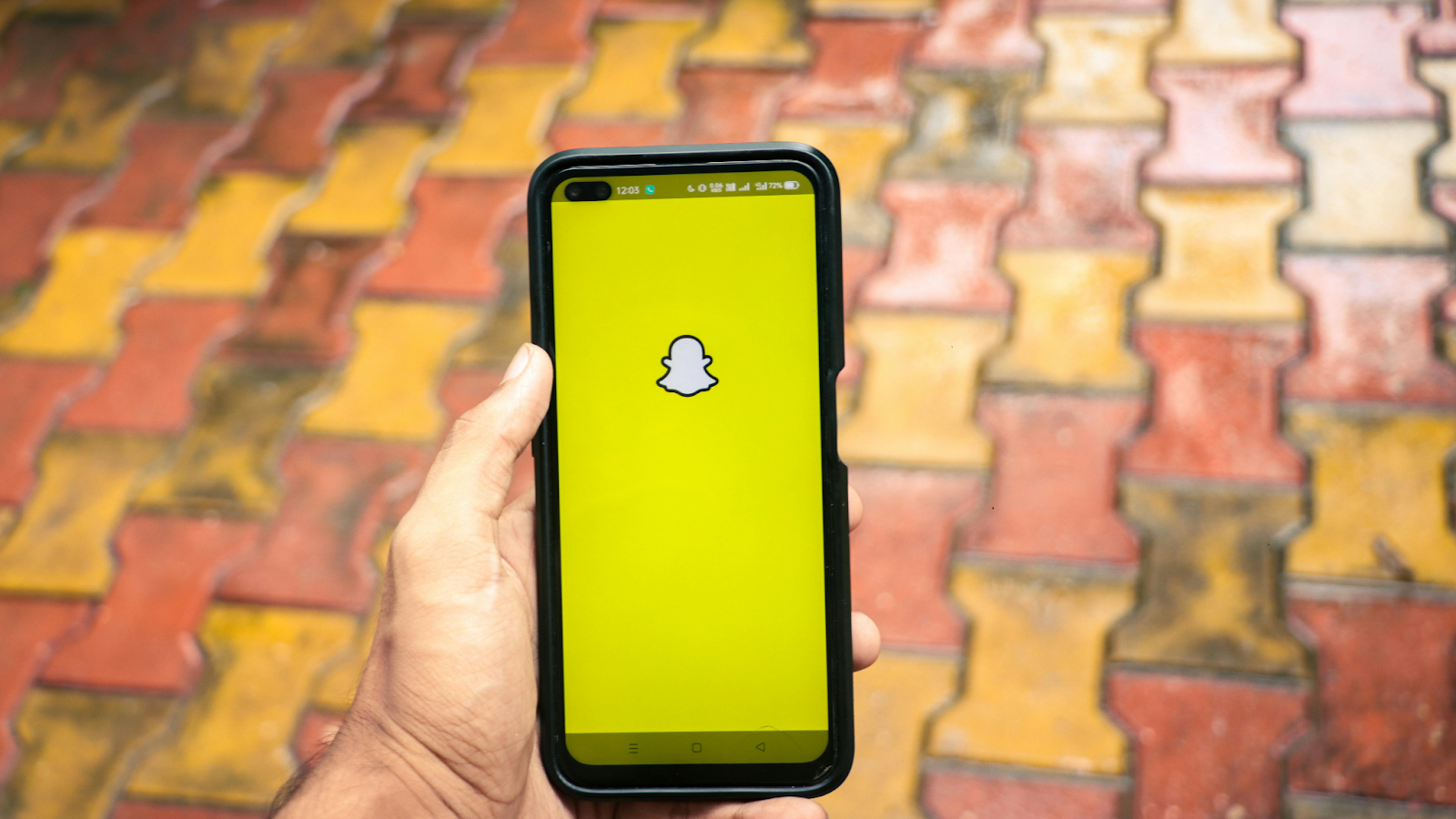
Snapchat is one of the most famous social media apps. (Image by Rawpixel.com on Freepik)

How to Turn On Dark Mode on Snapchat?

Shreya Karn by Shreya Karn
August 11, 2024
in Technology
Share on FacebookShare on Twitter

Are you tired of texting your friends on Snapchat with its bright-white screen that hurts your eyes like lasers? Well, not anymore, as Snapchat has introduced the option of Dark Mode on its app!

This feature was earlier available to only Snapchat+ users and then only to iOS users having the unpaid version of the app, but it has now been made available to all Android users as well. Using Dark Mode on phone apps ensures a lesser strain on the eyes and improved battery life due to reduced usage of light pixels.

This is your stepwise guide on how to turn on Dark Mode on Snapchat on both Android and iOS smartphones.

Contents hide
1 How to Turn on Dark Mode on Snapchat? (Both Android and iOS)
2 How to Turn on Dark Mode on Snapchat+ Version?

How to Turn on Dark Mode on Snapchat? (Both Android and iOS)

Using dark mode provides a better visual experience in a low-light environment.

Whether you are an Android user or an iOS one, you have to follow the same exact steps to enable the Dark Mode on the Snapchat app’s unpaid version. The steps are also pretty simple and you can switch from the straining Light Mode to a more comfortable Dark Mode in a few clicks.

  1. Open the Snapchat app.
  2. Tap on your Bitmoji (top left corner of the screen).
  3. Once your profile is open, tap on the settings icon (top right corner of the screen).
  4. Under the “My Account” section, tap on the option of “App Appearance”.
  5. Choose the option of “Always Dark”.
  6. A dialogue box will appear asking you to restart the app to apply the changes. Tap on “Restart Now” to enable the Dark Mode on Snapchat.

How to Turn on Dark Mode on Snapchat+ Version?
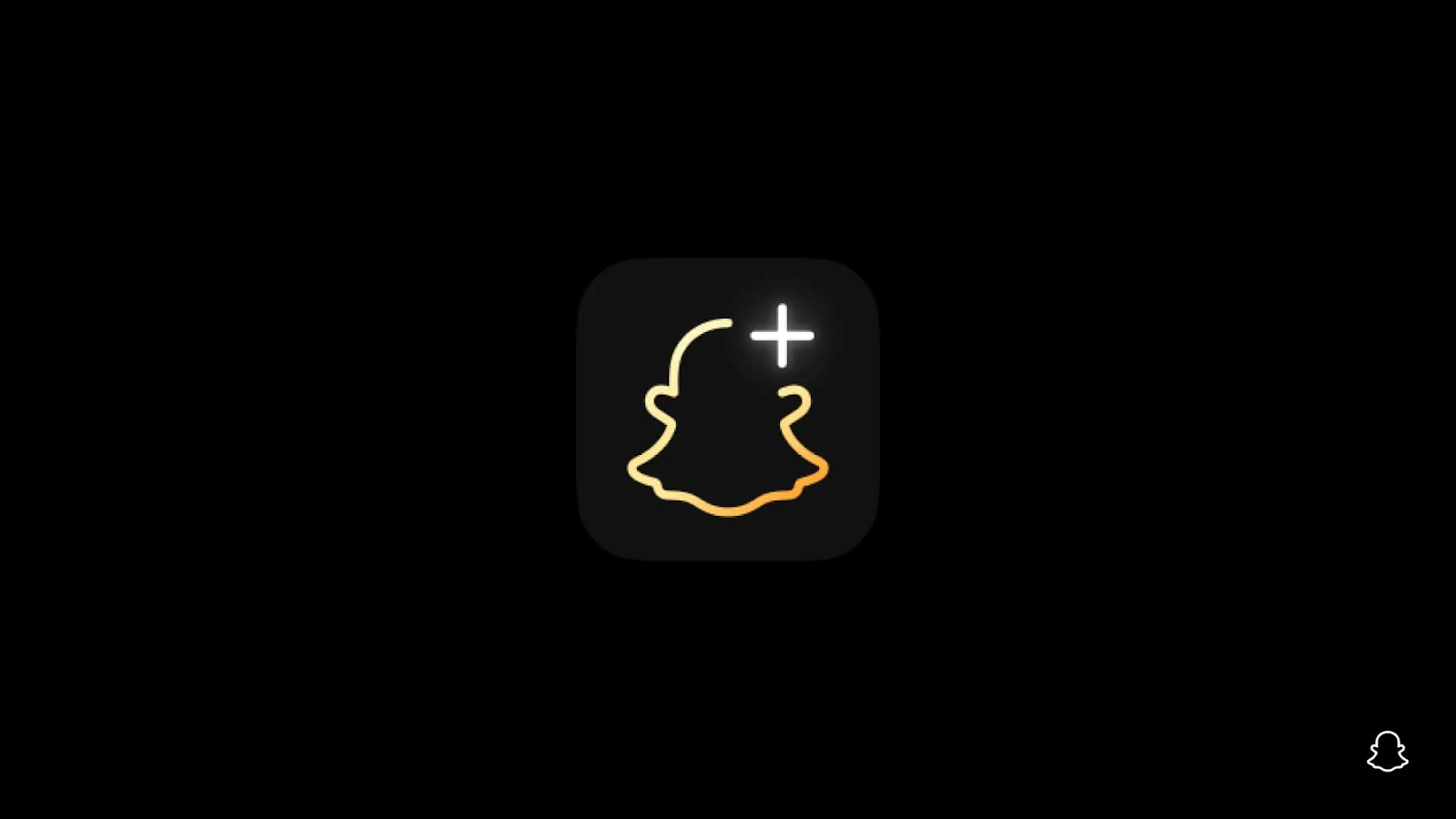
Most of the updates are first released on Snapchat+, the paid version.

If you have spent some dollars and become a Snapchat+ user, then you can also turn on the Dark Mode of the app from its “Snapchat+” Menu using the given steps.

  1. Open the Snapchat app.
  2. Tap on your Bitmoji (top left corner of the screen).
  3. Scroll down and tap on the “Snapchat+” option.
  4. Once the Snapchat+ Menu is open, turn on the toggle next to the “Dark Mode” option.
  5. A dialogue box will appear asking you to restart the app to apply the changes. Tap on “Okay” to restart the device and enable the Dark Mode on Snapchat.

You can always switch back to the Light Mode of Snapchat by following the same steps mentioned above and choosing the option “Always Light” in the “App Appearance” menu, and your Snapchat will be back to its default Light version.

ShareTweet
Shreya Karn

Shreya Karn

Hi there, readers! I'm Shreya Karn, holding the pen as a content writer at Trend Quotient. If you love a good dose of insightful facts with a spicy touch of humor, count me in and follow along for a glimpse into my unique world of storytelling :)

Related Stories

Smartphone displaying One UI 8.5

One UI 8.5 Isn’t a Feature Update It’s Samsung Quietly Correcting Course

by Aroop Pandit
February 5, 2026
0

If you’re waiting for One UI 8.5 because you expect a long list of flashy new features, you’re probably looking at it the wrong way. This update doesn’t...

5 Best Concept Cars in 2024

5 Best Concept Cars in 2024

by Shreya Karn
November 21, 2024
0

The future of cars is concept cars not just because of their looks but because of the new technology and design it showcase. These cars have futuristic designs...

5 Helpful Gmail Tips and Tricks Everyone Should Know

5 Helpful Gmail Tips and Tricks Everyone Should Know

by Shreya Karn
November 21, 2024
0

Are you also surfing through your Gmail wondering why you are stuck in this endless puddle of emails? Well, you would be surprised to know how optimizable Gmail...

WhatsApp: 5 Helpful Tips and Tricks That You Should Know About

WhatsApp: 5 Helpful Tips and Tricks That You Should Know About

by Shreya Karn
February 13, 2026
0

WhatsApp is likely the most used app on your phone, offering everything from texting to calls and media sharing for free. While frequent updates keep the app fresh,...

Next Post
‘Friends’ Thanksgiving Episodes You’d Love to Watch

Top 5 ‘Friends’ Thanksgiving Episodes You’d Love to Watch

  • About Us

© 2026 Trend Quotient

Welcome Back!

Login to your account below

Forgotten Password?

Retrieve your password

Please enter your username or email address to reset your password.

Log In
No Result
View All Result
  • Home
  • Entertainment
    • Sports Entertainment
    • Gaming
    • Movie
    • Music
  • Lifestyle
    • Fashion
    • Travel
    • Food
  • Technology

© 2026 Trend Quotient